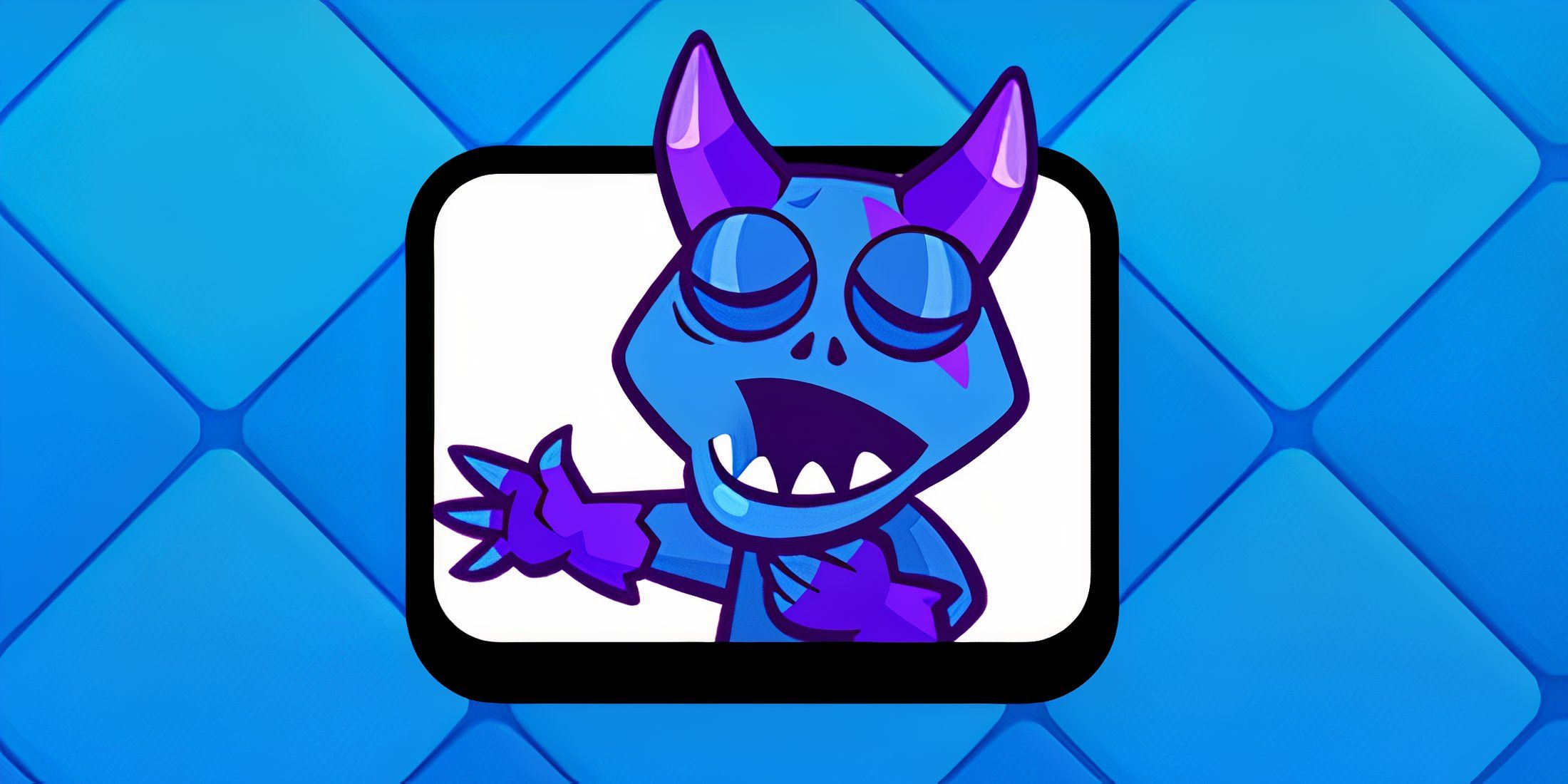
Okay, so the new season – season 82 – just dropped in Clash Royale! They did the usual balancing stuff, and there’s a new Hero to check out. But the big news for me is the evolved Minion Horde – it’s seriously strong. And to celebrate, Supercell is giving away a free emote, which is awesome!
You can get this emote without spending any gems! Simply type “MINIONHORDE!” in the Supercell Store, and you’ll receive the Minion Horde emote, plus unlock a new, exclusive secret emote!
How to Get the Minion Horde Emote in Clash Royale
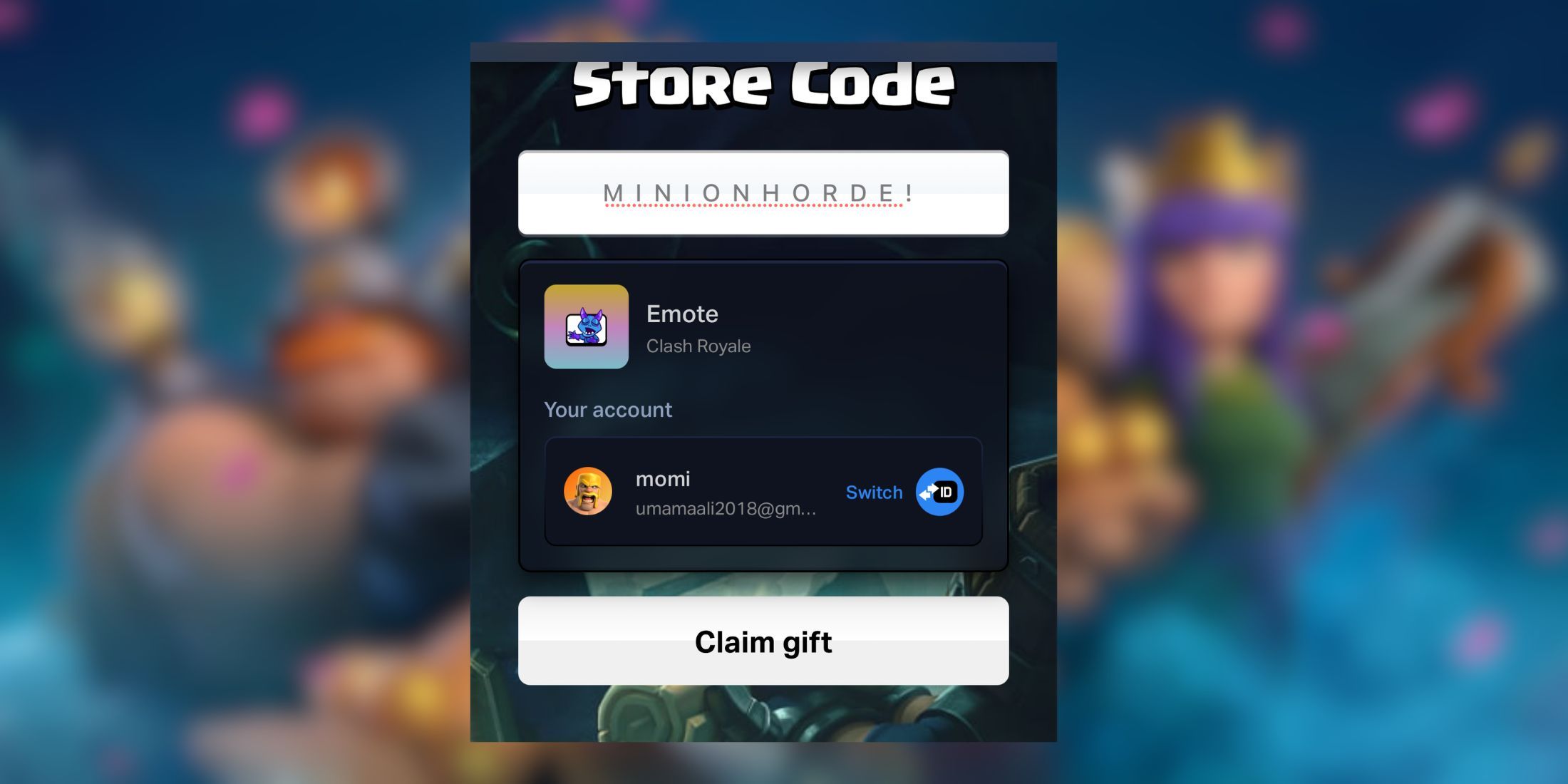
You can get the new Minion Horde emote by visiting the Supercell Store and using this code:
MINIONHORDE!
- First, open your browser, go to the Supercell Store, and then choose Clash Royale.
- If you are not logged in yet, go ahead and log in with your Supercell account first.
- Once you are in, scroll down through the offers until you see the ‘Redeem the Store Code’ option at the bottom of the page.
- This is where the magic happens. Enter the code MINIONHORDE! with capital letters and all.
Make sure to include the exclamation mark, or it won’t work.
Once you’ve done that, click “Submit” and then “Claim Gift.” You’ll get a message confirming you’ve received the emote. Now you can use your new Minion Horde emote in battles as much as you like!
How to Use Emotes in Clash Royale
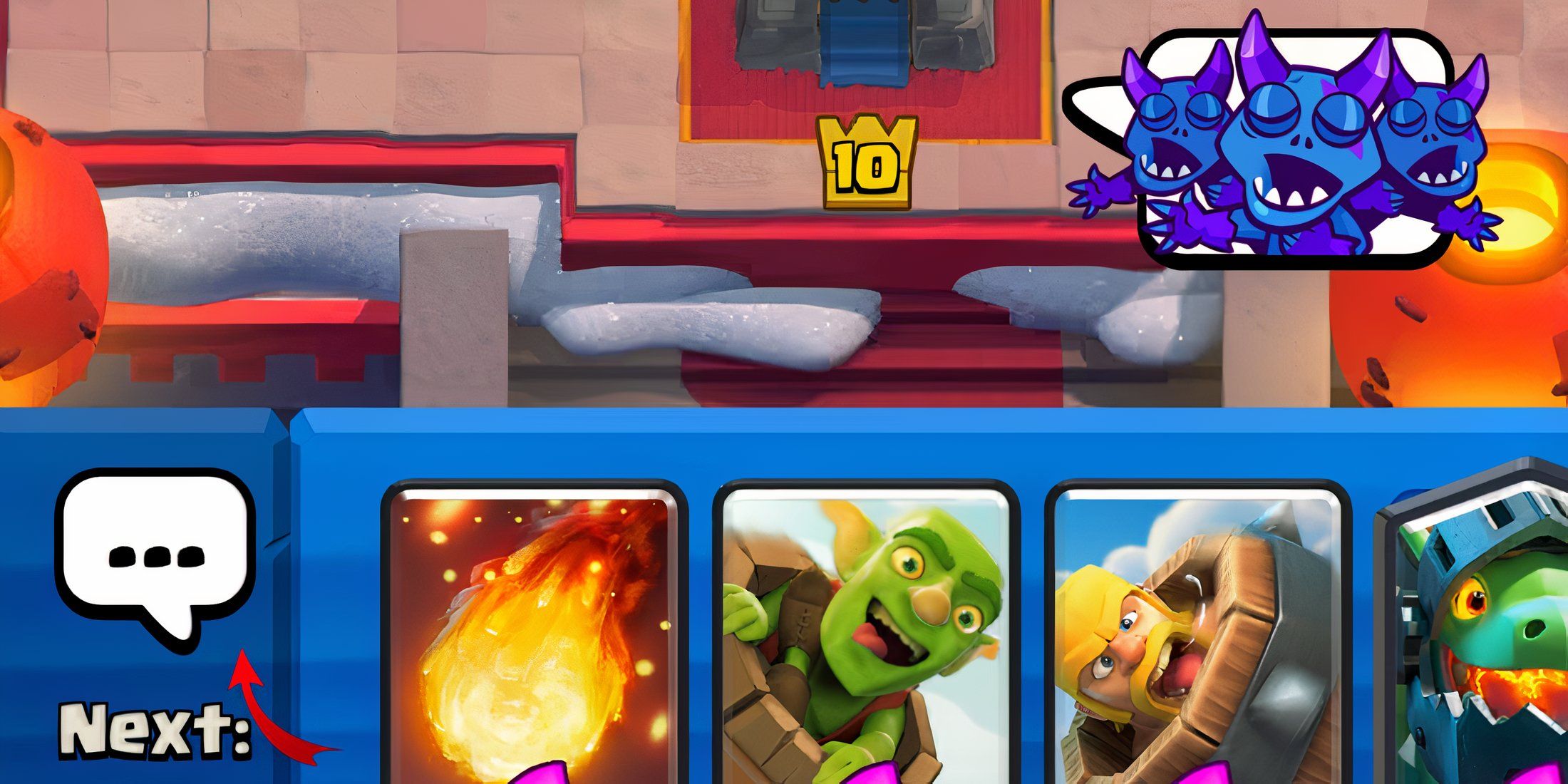
- Once your match starts, look at the bottom left of the screen.
- Just above your next card, you will see three dots.
- Tap on them, and a menu will pop up showing all your unlocked emotes.
- To use an emote, players will have to simply choose it from the menu.
- Keep in mind that new emotes like the Minion Horde appear at the end of the list, so you might need to swipe a bit to find them.
Read More
- After THAT A Woman of Substance cliffhanger, here’s what will happen in a second season
- Gold Rate Forecast
- Limbus Company 2026 Roadmap Revealed
- Wuthering Waves Hiyuki Build Guide: Why should you pull, pre-farm, best build, and more
- XO, Kitty season 3 soundtrack: The songs you may recognise from the Netflix show
- Guild of Monster Girls redeem codes and how to use them (April 2026)
- Total Football free codes and how to redeem them (March 2026)
- The Division Resurgence Specializations Guide: Best Specialization for Beginners
- Genshin Impact Version 6.5 Leaks: List of Upcoming banners, Maps, Endgame updates and more
- All Mobile Games (Android and iOS) releasing in April 2026
2026-04-08 00:34