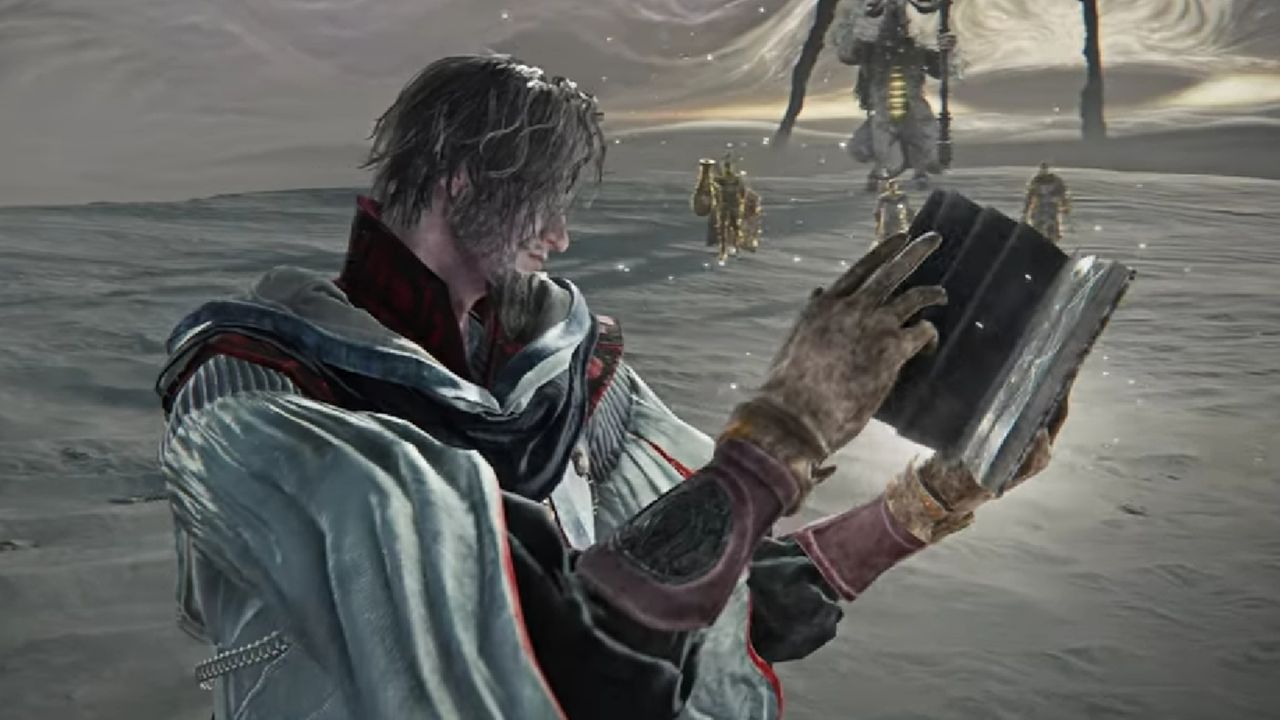
The Elden Ring Nightreign Forsaken Hollows DLC is free for all players, but you might need to install it manually. This is especially true if you purchased a special edition, like the Deluxe Edition or a pre-order version. The installation process varies depending on whether you’re playing on PC (via Steam), PlayStation, or Xbox. Here’s a guide to help you access the DLC and start your hunt for the new Night minions.
How to unlock The Forsaken Hollow DLC for Elden Ring Nightreign
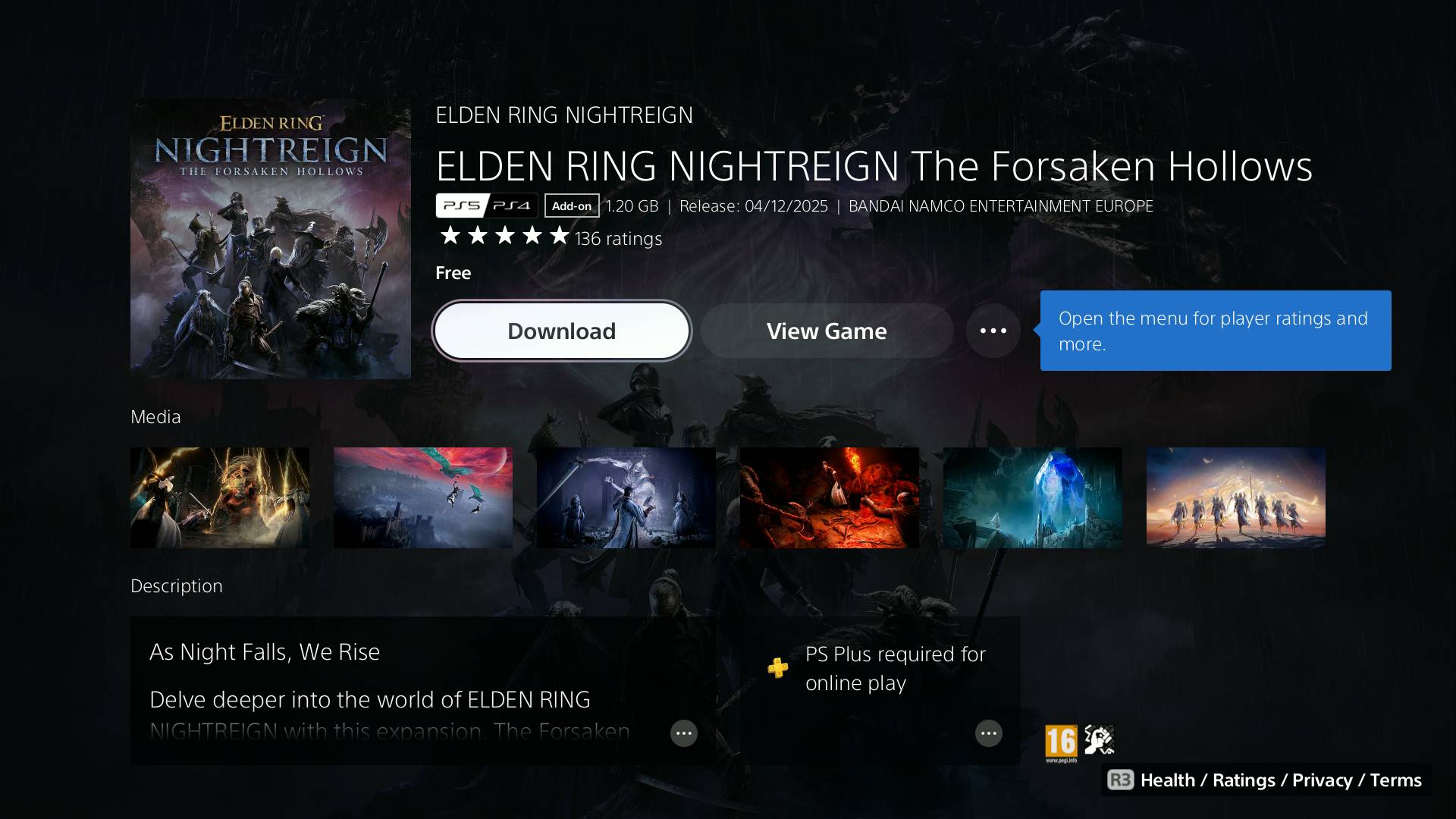
The Elden Ring Nightreign Forsaken Hollows update is available now on all platforms and in every region. To access it, make sure you’ve installed the DLC, particularly if you pre-ordered Nightreign or purchased a special edition. Here’s a guide on how to unlock The Forsaken Hollows on Steam, PlayStation, and Xbox:
- Steam:
- The DLC should automatically install itself as part of an update. Just make sure you have update file 1.03 installed and you’ll be good to go.
- PS5 and PS4:
- Open the PS Store and search for “Nightreign”. Find the “The Forsaken Hollows” Add-On, select it, then click “Download”.
- Xbox Series X and Xbox One:
- Press the menu button (three horizontal lines) while you have the Elden Ring Nightreign tile selected on your dashboard, then select the “Manage games and add-ons” option (Alternatively, find Elden Ring Nightreign in the “My games & apps” menu). Click on Elden Ring Nightreign in this Manage menu, check the “The Forsaken Hollows” Add-On from the list at the bottom, then press “Save Changes” to start installing the DLC.
After installing The Forsaken Hollows DLC, you’ll be able to unlock the Scholar and Undertaker in Nightreign, and challenge the new Nightlord boss and Great Hollows Shifting Earth. You’ll need to defeat at least two of the main bosses first, so this content isn’t available right away for new players.
Read More
- Clash Royale Best Boss Bandit Champion decks
- Vampire’s Fall 2 redeem codes and how to use them (June 2025)
- Mobile Legends January 2026 Leaks: Upcoming new skins, heroes, events and more
- World Eternal Online promo codes and how to use them (September 2025)
- How to find the Roaming Oak Tree in Heartopia
- Best Arena 9 Decks in Clast Royale
- Clash Royale Furnace Evolution best decks guide
- Clash Royale Season 79 “Fire and Ice” January 2026 Update and Balance Changes
- Clash Royale Witch Evolution best decks guide
- Brawl Stars December 2025 Brawl Talk: Two New Brawlers, Buffie, Vault, New Skins, Game Modes, and more
2025-12-04 15:12