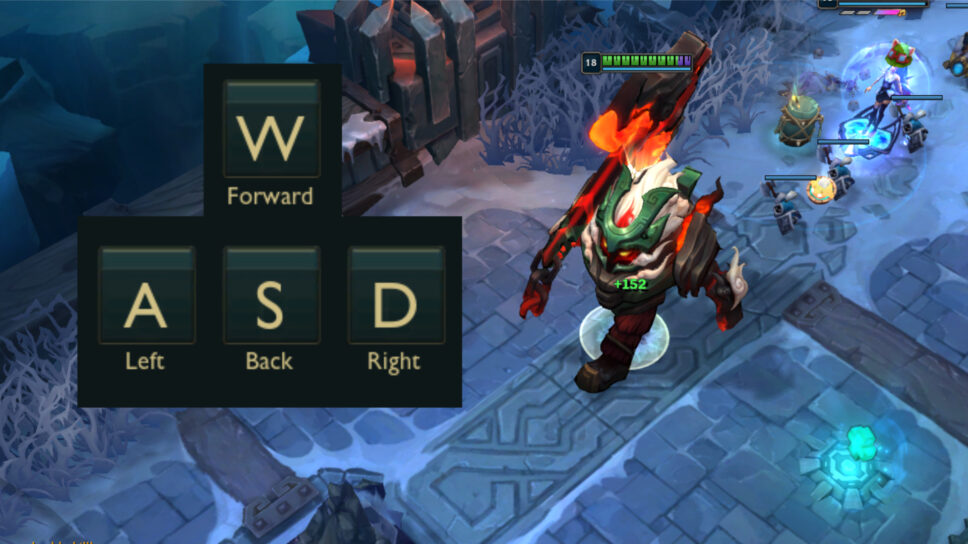
Whether you’re just starting League of Legends or have been playing for a while and want a change, here’s how to enable the WASD key bindings.
I’m so excited! After what feels like forever on the Public Beta server, WASD controls are finally available in League of Legends on the live servers! If you’ve been waiting to switch how you move, you can do it right now. Here’s how to change to WASD controls in League.
Turn on WASD in LoL
Just so you know, the WASD control scheme is currently only available in casual game modes like ARAM and Swiftplay. We don’t have a date yet for when it will be added to ranked queues – Solo/Duo and Flex.
To enable WASD movement in League of Legends, press the Esc key to open the in-game menu. Then, go to the Keybinds tab and select “Keyboard (WASD)”. This will change your other key settings, so it’s a good idea to review them before returning to the game.
Okay, so when I switch to WASD controls, my abilities are mapped to right-click, Left Shift, E, and R. My Summoner Spells will be on Q and F – thankfully, my item hotkeys stay the same! And the cool thing is, I can still choose between Quick Cast and Normal Cast even with WASD.
As you scroll down the page, you’ll find a section labeled Movement. This area shows you how to control movement with buttons, and also includes a few additional settings.
There’s a setting called “Rotate WASD inputs relative to map lane orientation.” Normally, pressing W moves your character upwards, A to the left, S downwards, and D to the right. If you enable this setting, the movement controls will shift 45 degrees to the left. This means W will move you towards the enemy base (from Blue Nexus to Red Nexus), S will move you in the opposite direction, and A and D will align with the river’s direction.
Developers have implemented a player-suggested feature that helps reduce hand strain. Since League of Legends is played with repetitive motions, this change could be really helpful.
The second setting is Flash Handling Type, which lets you choose how Flash controls move. Cursor mode makes Flash follow your mouse pointer. Movement uses your WASD keys and player rotation for control. Movement with Cursor generally feels the most comfortable and precise, but it’s best to test all three options to see which one works best for you.
How to turn off WASD in League of Legends
To switch back from using WASD controls, press the Esc key one more time and then select Mouse (Point & Click). Your original key settings will be restored.
Read More
- Clash Royale Best Boss Bandit Champion decks
- Vampire’s Fall 2 redeem codes and how to use them (June 2025)
- World Eternal Online promo codes and how to use them (September 2025)
- Mobile Legends January 2026 Leaks: Upcoming new skins, heroes, events and more
- How to find the Roaming Oak Tree in Heartopia
- Best Arena 9 Decks in Clast Royale
- Clash Royale Furnace Evolution best decks guide
- Clash Royale Season 79 “Fire and Ice” January 2026 Update and Balance Changes
- Brawl Stars December 2025 Brawl Talk: Two New Brawlers, Buffie, Vault, New Skins, Game Modes, and more
- Clash Royale Witch Evolution best decks guide
2025-12-05 06:11